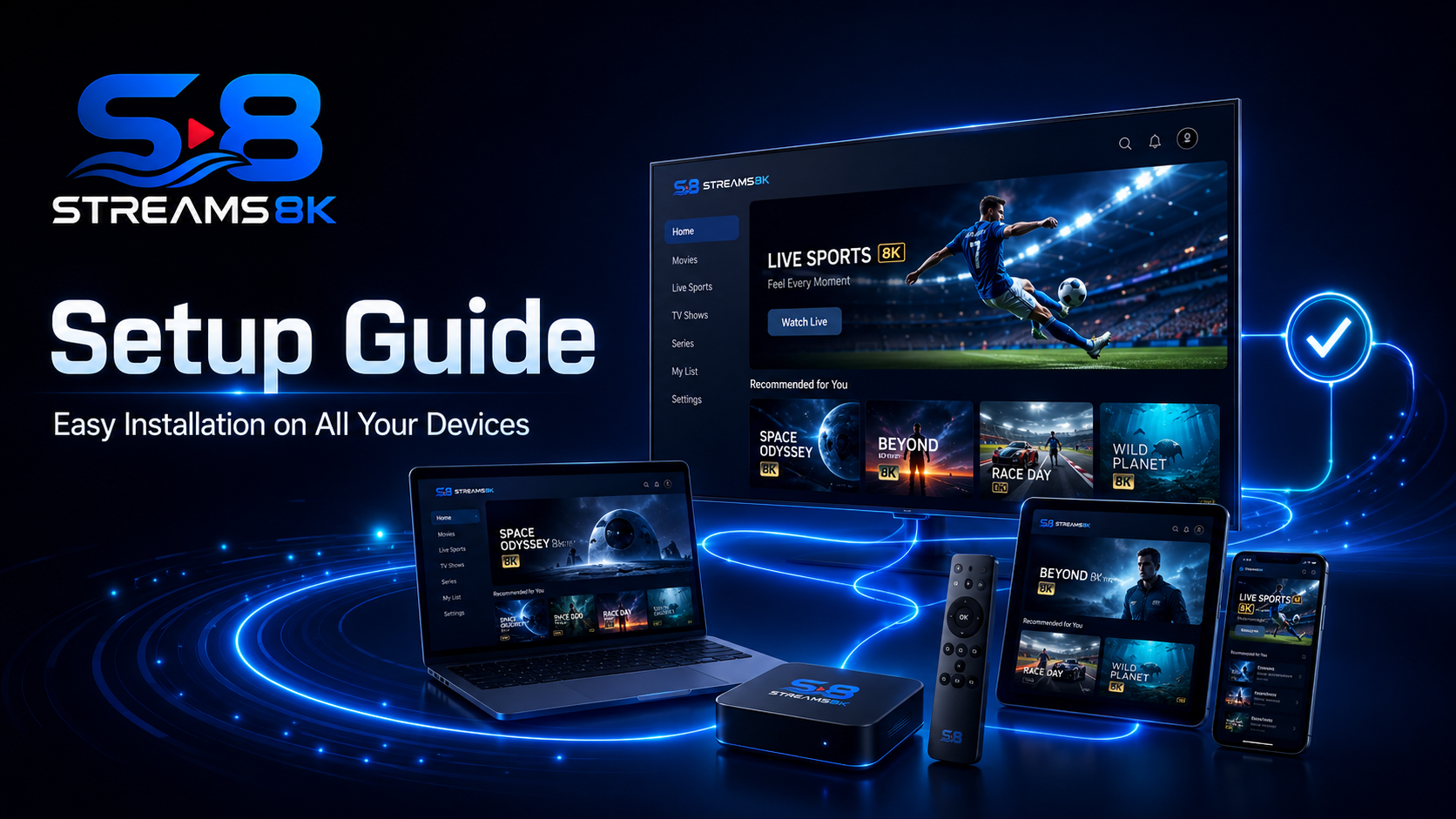
Quick Setup
Get started in minutes with instant activation and easy steps.

Device Ready
Compatible with smart TVs, phones, tablets, and more.

Smooth Streaming
Enjoy 4K and 8K quality with minimal buffering.

24/7 Support
Our team is here anytime you need help or advice.
Streams8K Setup Guide
Welcome to Streams8K! Follow this guide to get your IPTV service up and running on your favorite devices quickly and easily.
Step 1: Choose Your Device
Streams8K supports a wide range of devices:
- Smart TVs (Samsung, LG, Sony)
- Android TV & Fire TV
- Firestick
- iPhone & iPad
- Apple TV
- Windows & Mac computers
- MAG boxes and other IPTV-compatible players
Make sure your device is connected to a stable internet connection for the best streaming experience.
Step 2: Subscription Activation
Once you complete your order:
- You will receive your subscription details instantly via WhatsApp.
- Note your login credentials and the server URL provided.
- Most activations happen within minutes.
Step 3: Install IPTV Player
Depending on your device, you may need an IPTV player app:
- Android & Firestick: IPTV Smarters, TiviMate
- iOS devices: GSE Smart IPTV, IPTV Smarters
- MAG devices: Use the default MAG portal settings
- Smart TVs: Built-in IPTV apps or compatible third-party apps
Download the correct app from the official store to ensure security and smooth performance.
Step 4: Add Streams8K Playlist
- Open your IPTV player.
- Select “Add Playlist” or “Enter URL.”
- Enter the server URL provided in your subscription.
- Save the settings.
Step 5: Enjoy Your Content
- Browse through 40,000+ live channels, 35,000+ movies, and 7,000+ series.
- Use categories and filters to quickly find sports, movies, or TV shows.
- Stream seamlessly on multiple devices at the same time.
Troubleshooting Tips
- Buffering: Check your internet speed (recommended 15 Mbps+ for 4K, 25 Mbps+ for 8K).
- Device Issues: Restart your device or reinstall the IPTV app.
- Account Issues: Contact 24/7 Streams8K support for immediate help.
Need Help?
Our customer support team is available 24/7 to assist you via WhatsApp or email.